
glacios_interface
This is an old revision of the document!
Table of Contents
The TF20 microscope interfaces
The microscope console
Location : right in front of you on the desk
Role: It provides direct control of some of the most important microscope parts:
- Magnification
- Electron dose: spot size (C1 lens) and beam spread (C2 lens)
- Focus (objective lens current)
- Stage position (with the joystick and Z buttons)
- Beam position (with the trackball)
- and many other actions through the programmable switches (L/R1-2-3) and Multifunction X/Y knobs.
Gatan DigitalMicrograph User Interface (DM)
Location: On the left screen
Role: It controls the US10001 Camera.
- During screening, DM will allow acquisition in continuous mode.
SerialEM User Interface (SEM)
Location: On the right screen screen
Role: It provides camera/microscope commands to allow the user to screen its grids and setup an automated data collection.
The TEM User Interface (TEM)
Location: On the middle screen
Role: It controls all the microscope systems.
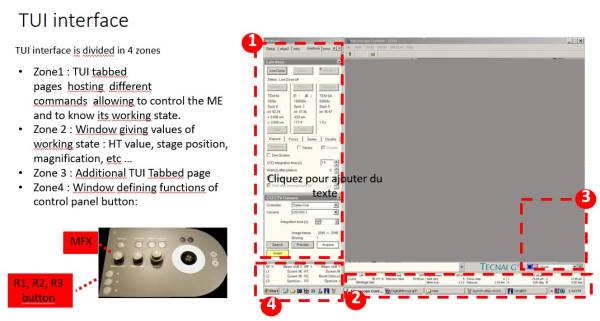
The FluCam User Interface (FC)
Location: On the right screen
Role: It allows the visualization of the electron beam and the sample image.
glacios_interface.1679328988.txt.gz · Last modified: (external edit)