
glacios_screening
This is an old revision of the document!
Table of Contents
The Screening Pipeline
1. Load the Grids
- Load the cassette in the NanoCab. Make sure no contaminant (fiber, hair) entered the NanoCab.
- Remove the NanoCab
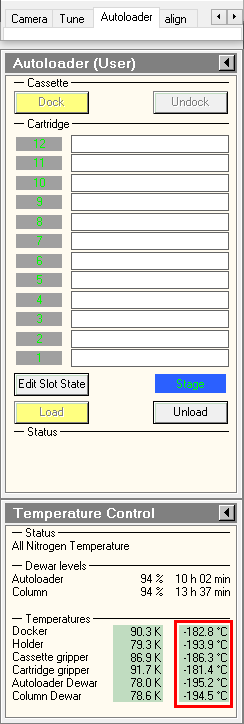
2. Setup Serial-EM

 .
.3. Record Atlases
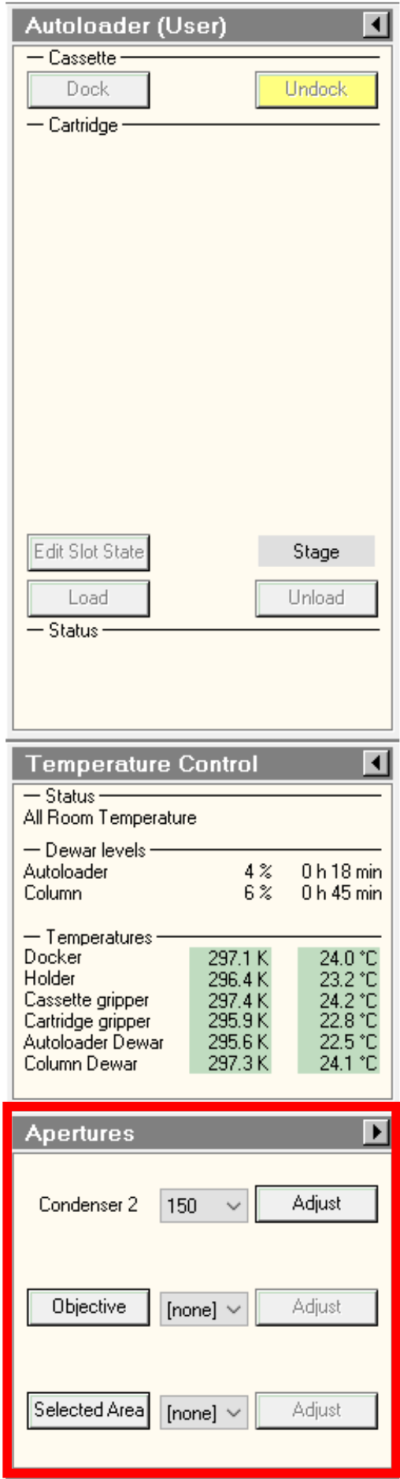
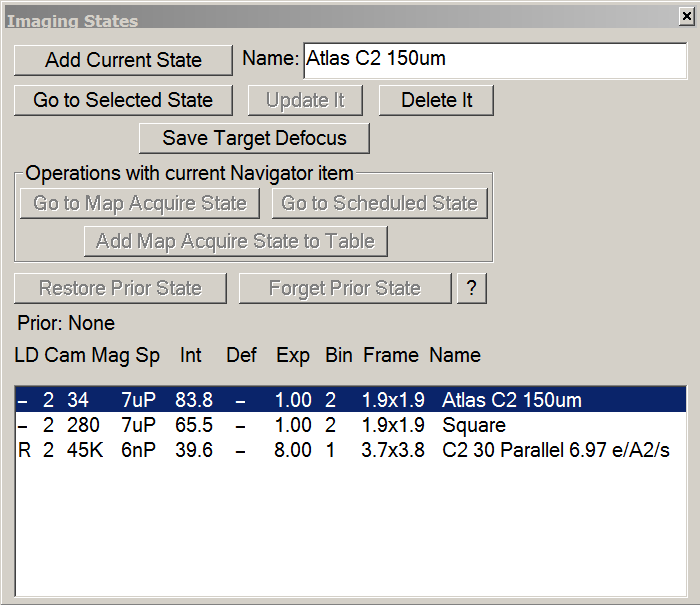
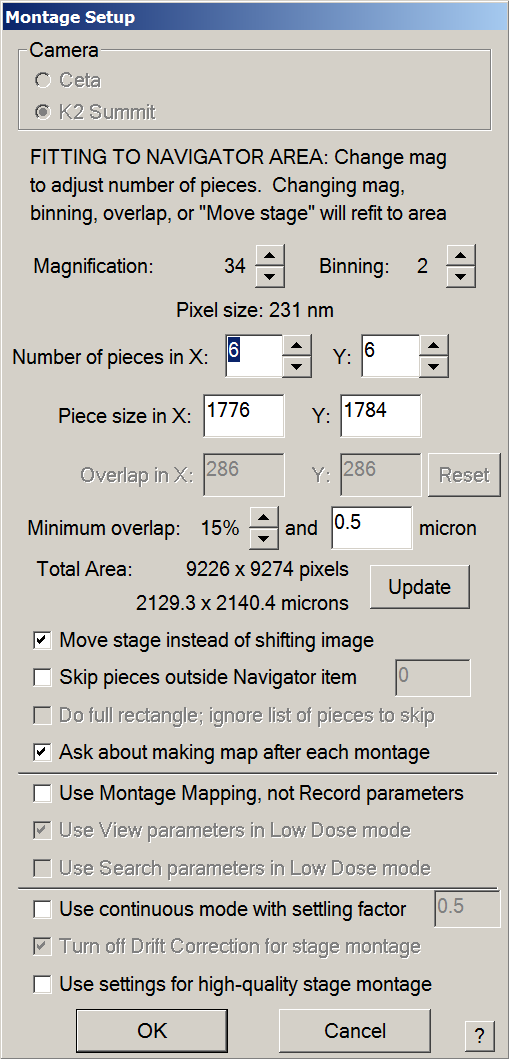
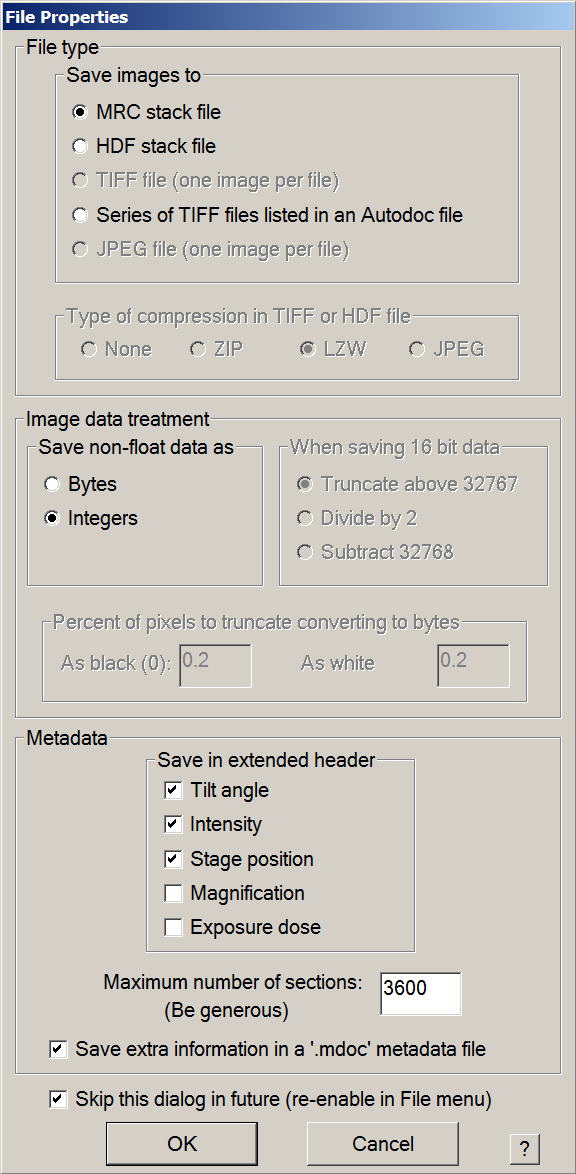
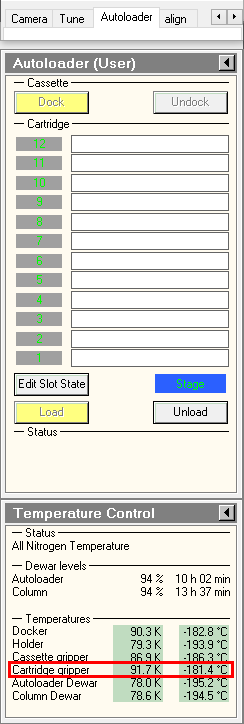
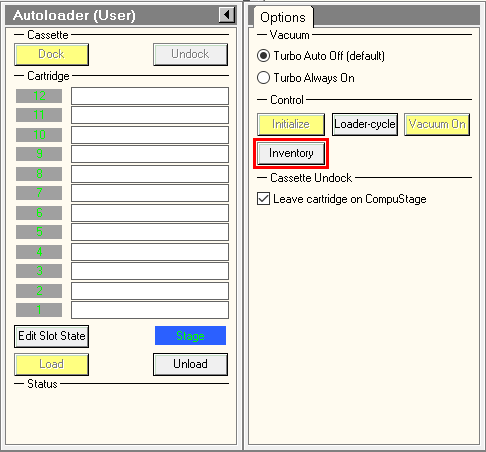
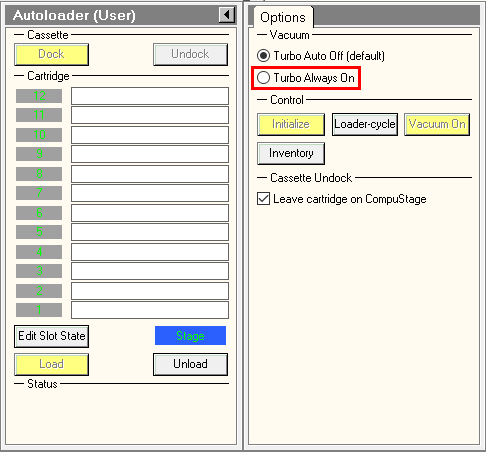
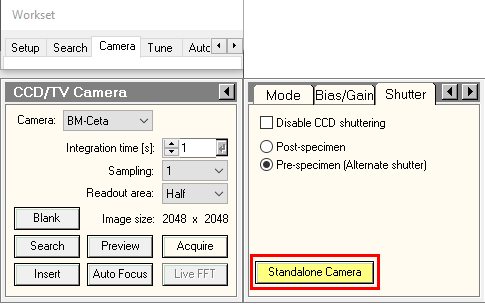


4. Select and Load a Grid
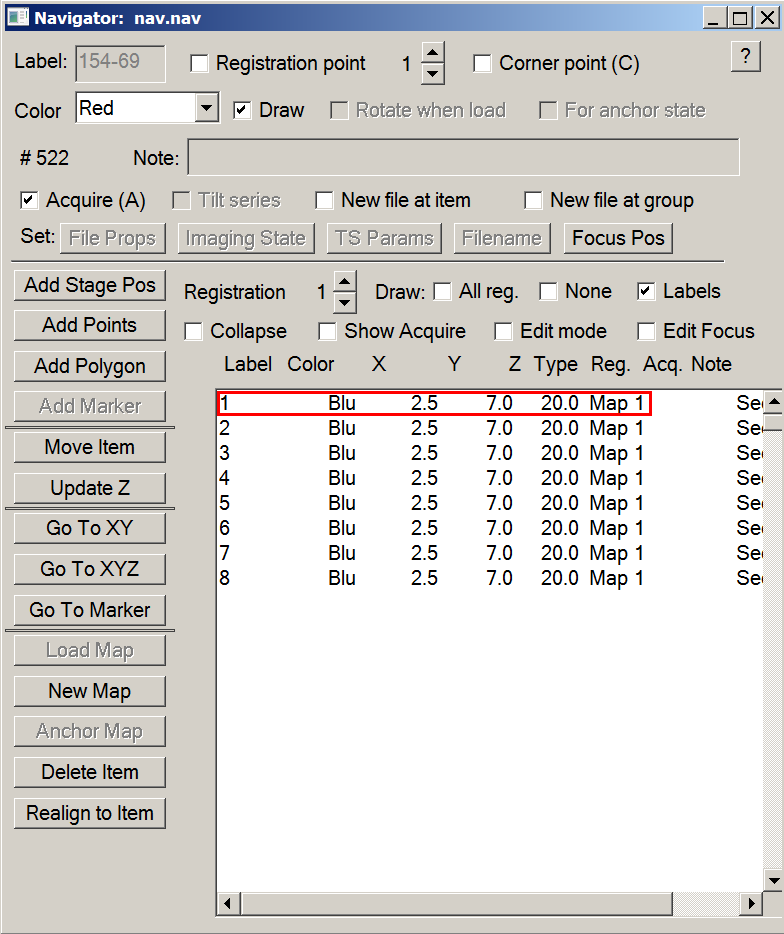

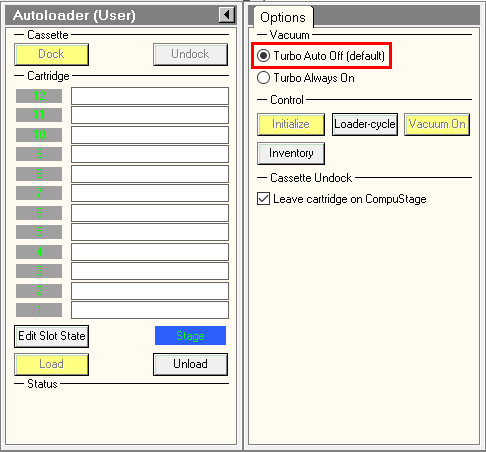
5. Record square maps

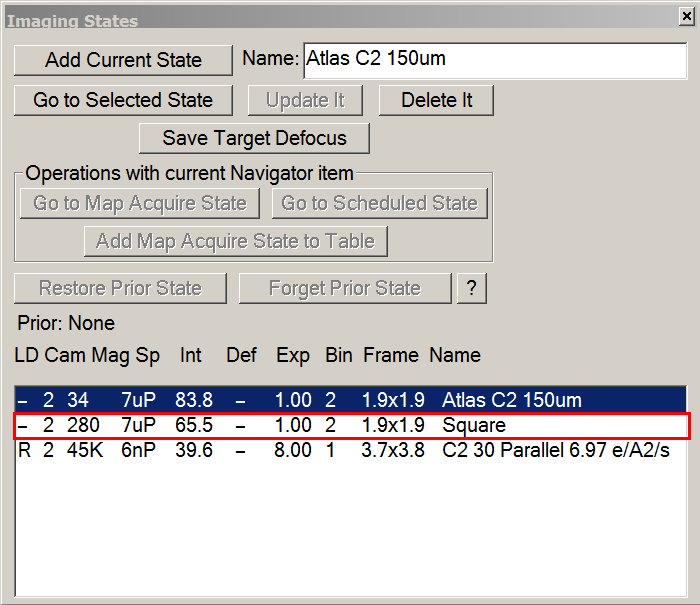
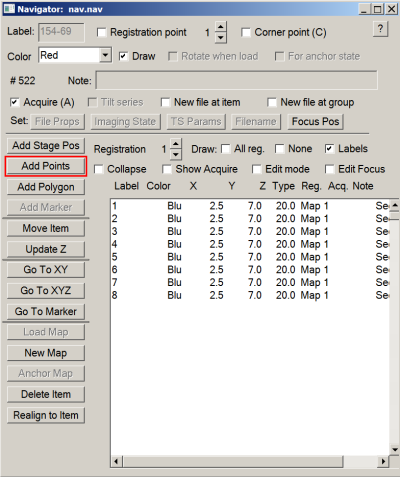


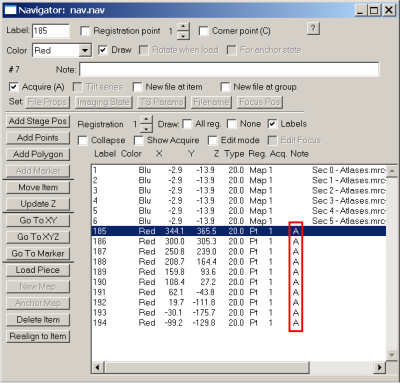

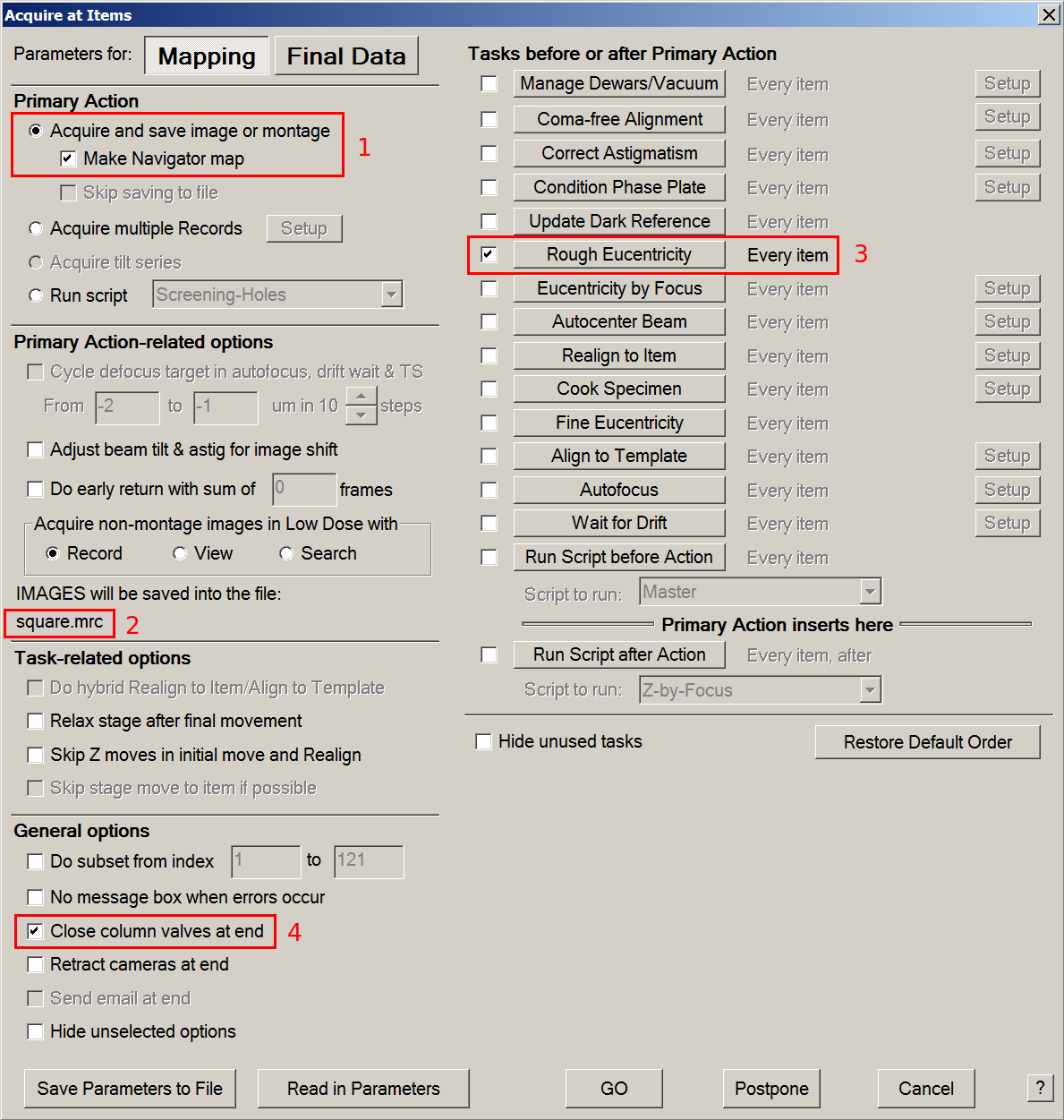
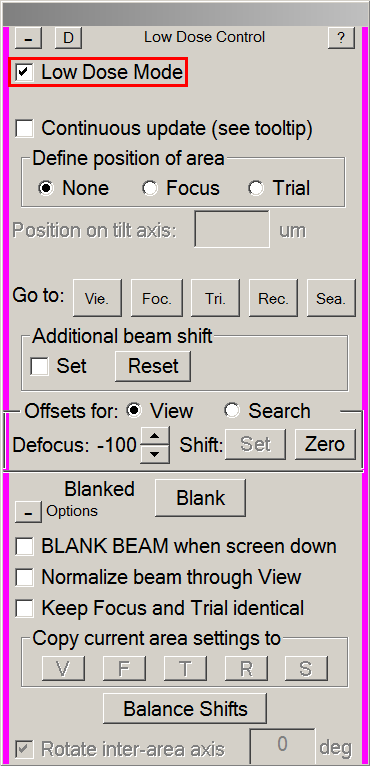
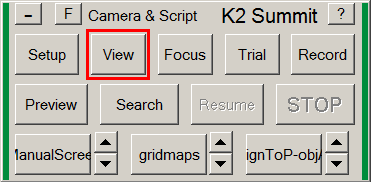
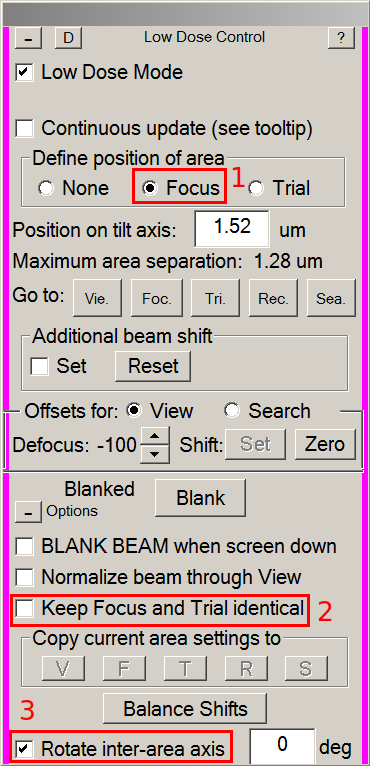
6. Prepare Serial-EM for screening
- In an empty hole or a broken square: Menu > Scripts > run > DatasetDefineVacuumIntensity
- measure the dose rate and set up record parameters.
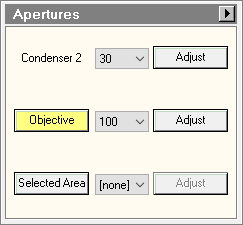



7. Start screening and analyze the results
- Manually screen your targets or run the script Screening Holes
8. Load the next grid
- Double-click on the desired grid in the TUI
- Go back to step 4
9. End your screening session
- Save your Navigator
- Close your Navigator
- Load the Cross Grating Grid in the column (usually in position 1 of the cassette)
- Remove the cassette with your grids from the autoloader in the NanoCab
- Remove the cassette and your grids from the NanoCab
glacios_screening.1673877703.txt.gz · Last modified: (external edit)